The Windows screenshot tool
you've been missing.
Screenshots and screen recordings that look great. Annotate, beautify, and record from one clean interface. Stays on your device. No cloud. No account.
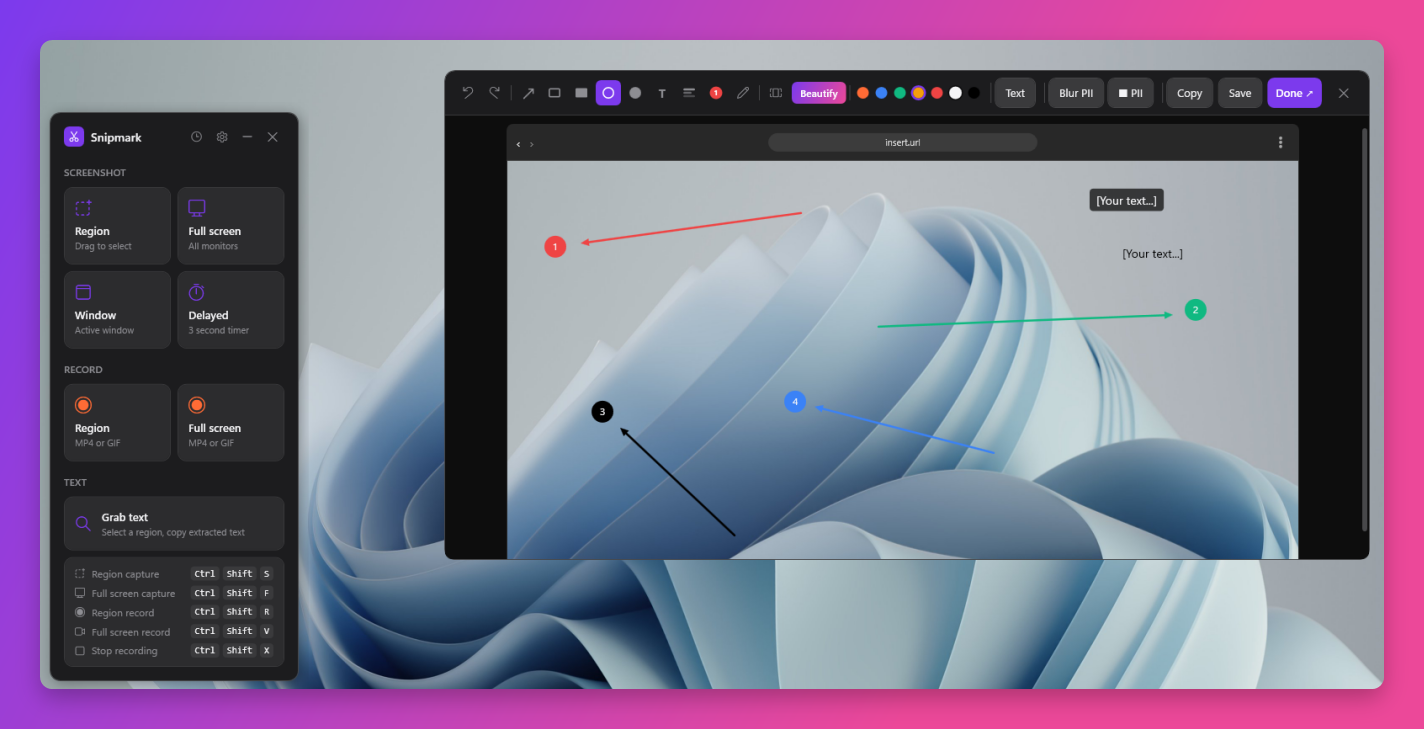
Annotate anything, clearly.
Draw arrows, add numbered steps, blur out sensitive information, drop text labels, and freehand sketch. Every tool is one click away in the toolbar. Each annotation gets its own accent color so multi-step walkthroughs stay readable at a glance.
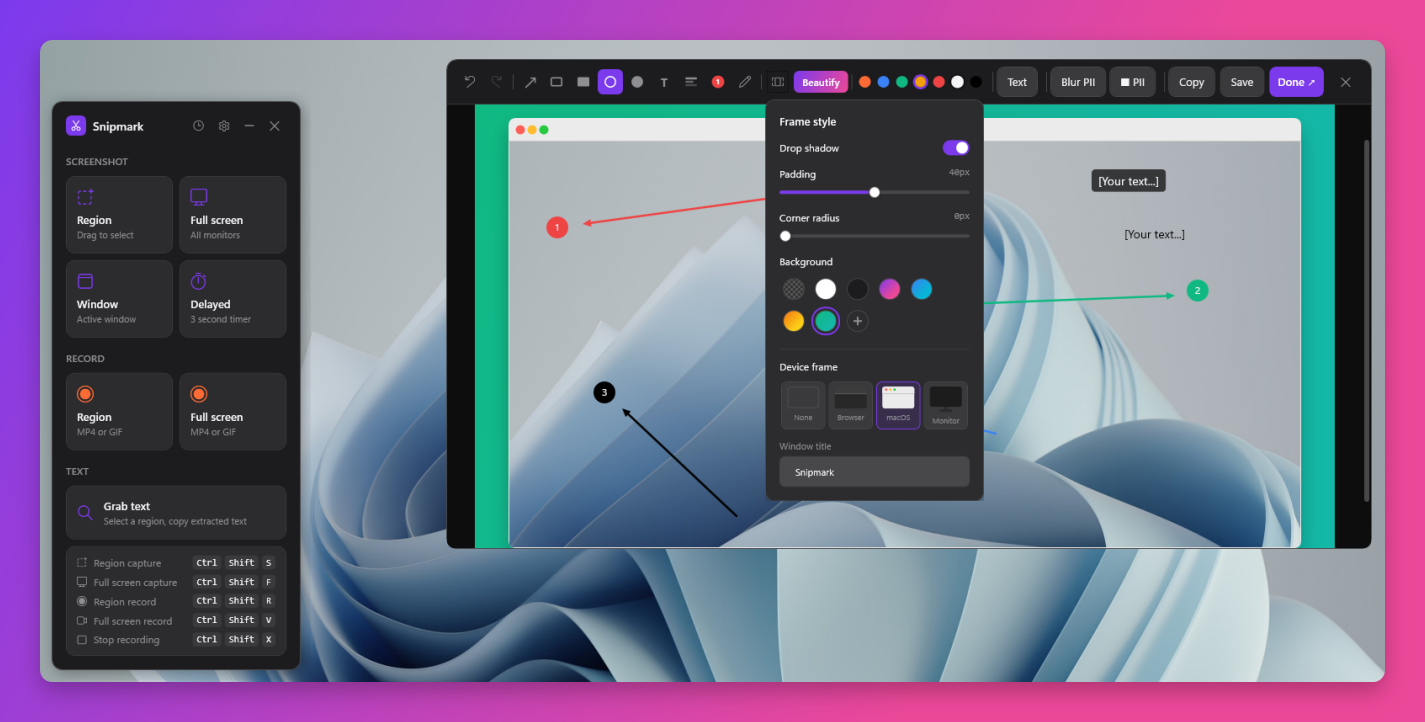
Beautiful screenshots, one click.
One click transforms any raw capture into something you'd actually want to share. Add drop shadows, rounded corners, padded canvas, gradient or solid backgrounds, and device frames including browser, macOS window, and monitor mockup. Every slider adjusts live.
Never lose a capture.
Every screenshot and recording from the current session lives in the history panel. Click any thumbnail to reopen it in the editor. Drag directly from the panel into Slack, Discord, GitHub, or any app that accepts file drops. No folder hunting required.
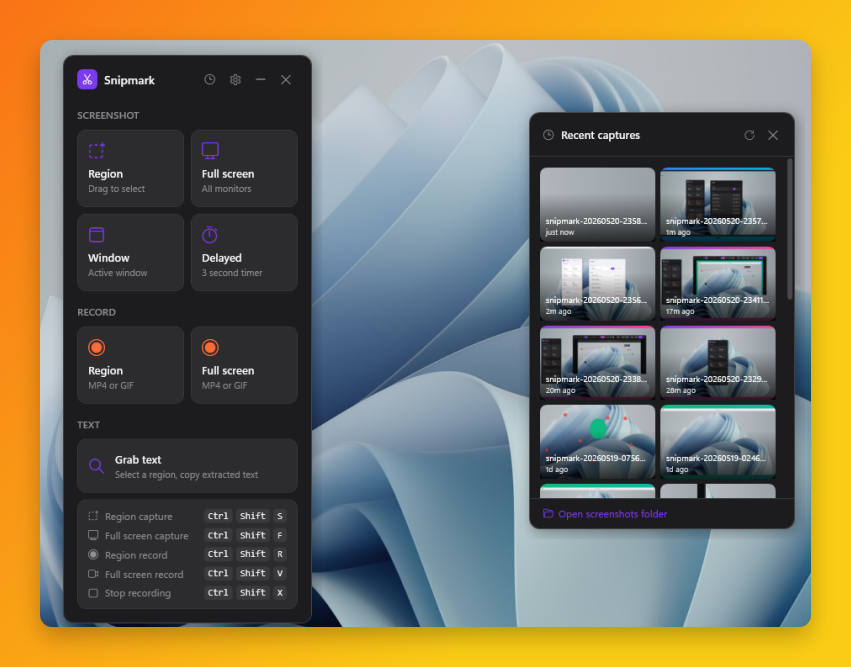
Looks right on any setup.
Full light and dark mode, with automatic system sync.
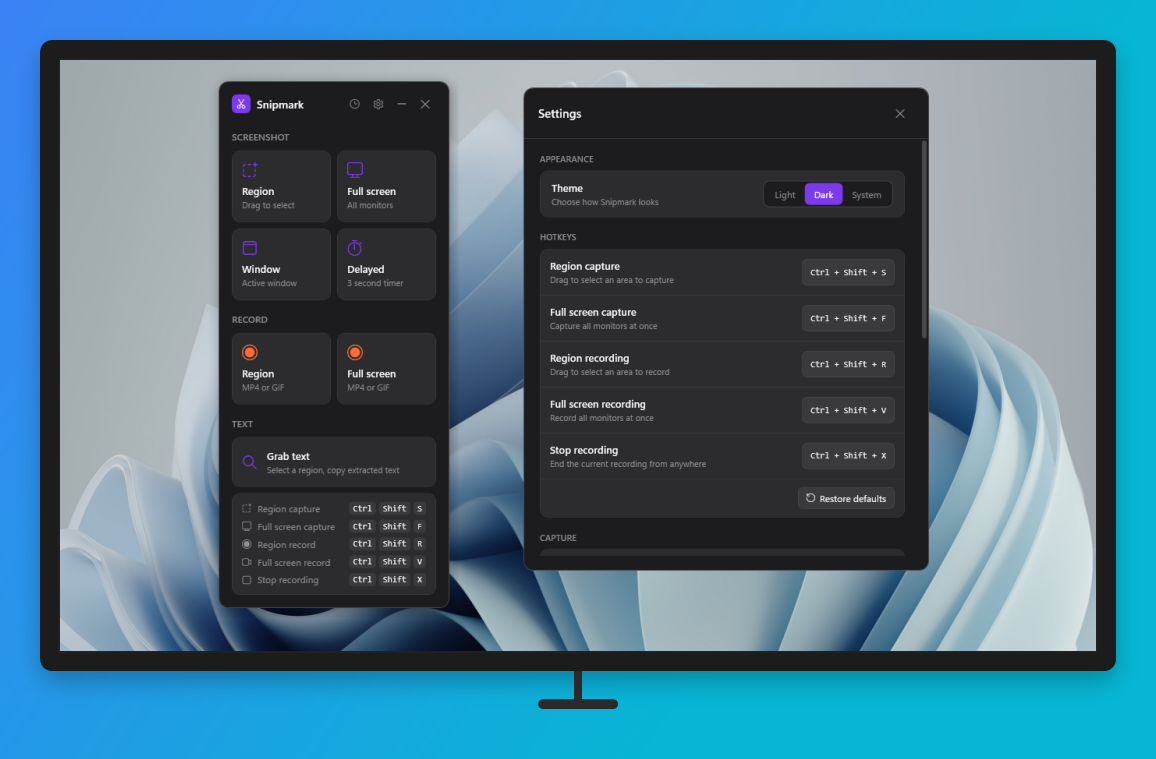 Dark mode
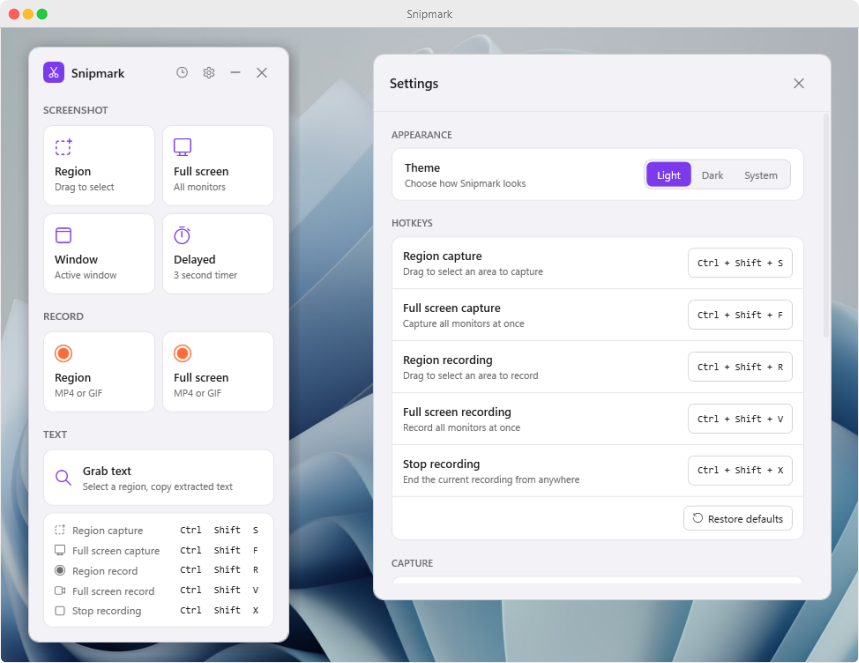 Light mode
Packed in, priced low.
Features that other tools charge extra for, all in one $0.99 purchase.
9 annotation tools
Arrows, rectangles, circles, freehand, text, blur, and step counters, with undo/redo throughout.
Beautify presets
Drop shadows, gradient backgrounds, rounded corners, device frames. One click transforms any screenshot.
Screen recording
Record any region or full screen as MP4 or GIF at up to 60 fps. Desktop audio and microphone included.
OCR text grab
Select any region and extract the text from it instantly. Works on UI, PDFs open on screen, anything visible.
Private by default
No account. No cloud. No telemetry. Your captures live on your machine and nowhere else. License validated offline.
Customizable hotkeys
All five capture and record shortcuts are remappable. Separate folders for screenshots and recordings.
No data leaves your device. Ever.
Snipmark doesn't phone home, doesn't collect analytics, and doesn't require a login. Your screenshots and recordings are saved locally to folders you choose. The app itself has no network access by design.
One-time purchase · No subscription · Free updates for v1.x
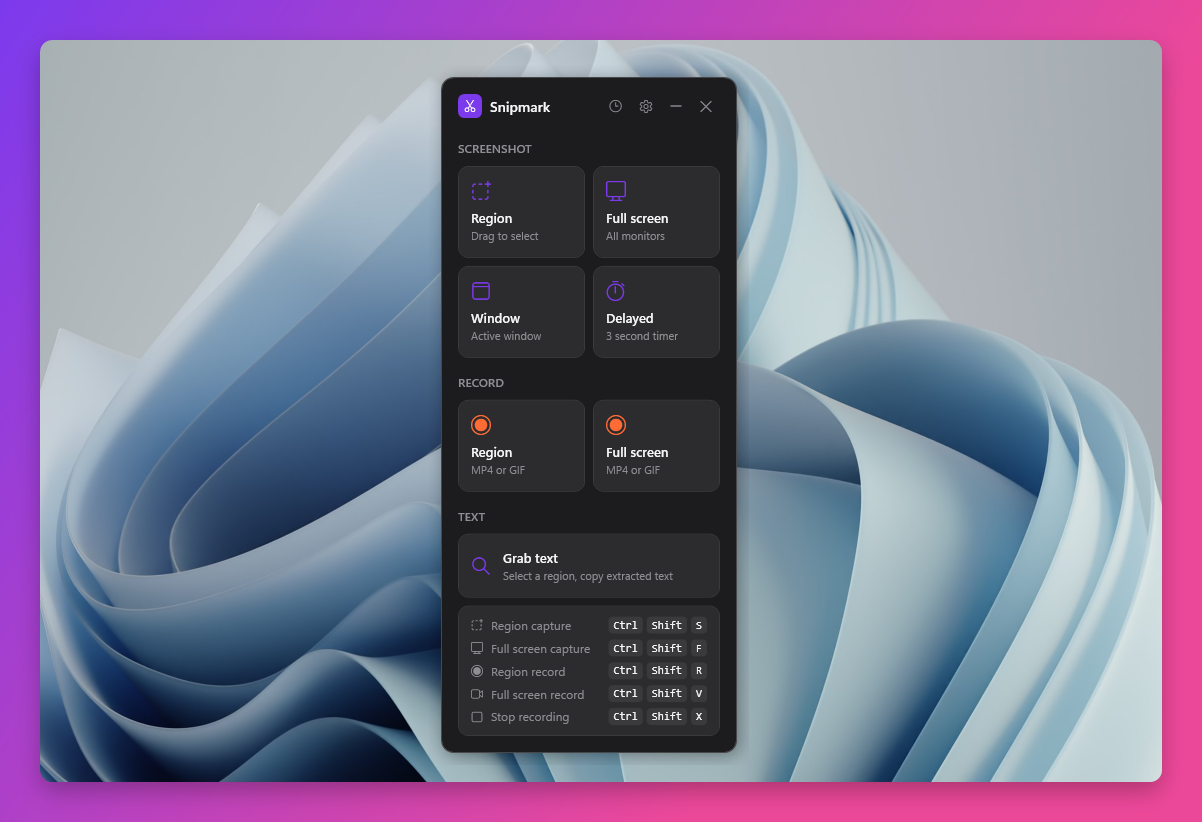
- Screenshot capture: region, full screen, window, and delayed
- Full annotation editor with 9 tools
- Beautify: shadows, backgrounds, device frames
- Screen recording: MP4 and GIF at up to 60fps
- OCR text grab and auto PII redaction
- Fully local: no account, no cloud, no telemetry